How to Get Every Guest Photo from Your Riviera Maya Wedding
180 guests. Twelve countries. Four time zones. Your Riviera Maya wedding is the most international event you've ever organized. The last thing you want is to spend three months chasing photo files from someone who flew home to Toronto the morning after and hasn't replied to messages since.
Riviera Maya wedding guest photos disappear fast. Guests fly home. Phones get backed up and wiped. People switch devices. The window to collect those images is narrow, and it closes before you finish your honeymoon if you don't have a system running the night of the wedding.
The international guest problem
At a Riviera Maya destination wedding, your guests arrive with different phones, different carriers, and different apps installed by default. Google Photos is standard in some countries and absent in others. iCloud works for US guests and is irrelevant for guests from Brazil or Germany. WhatsApp is universal but compresses photos to the point where they're not printable.
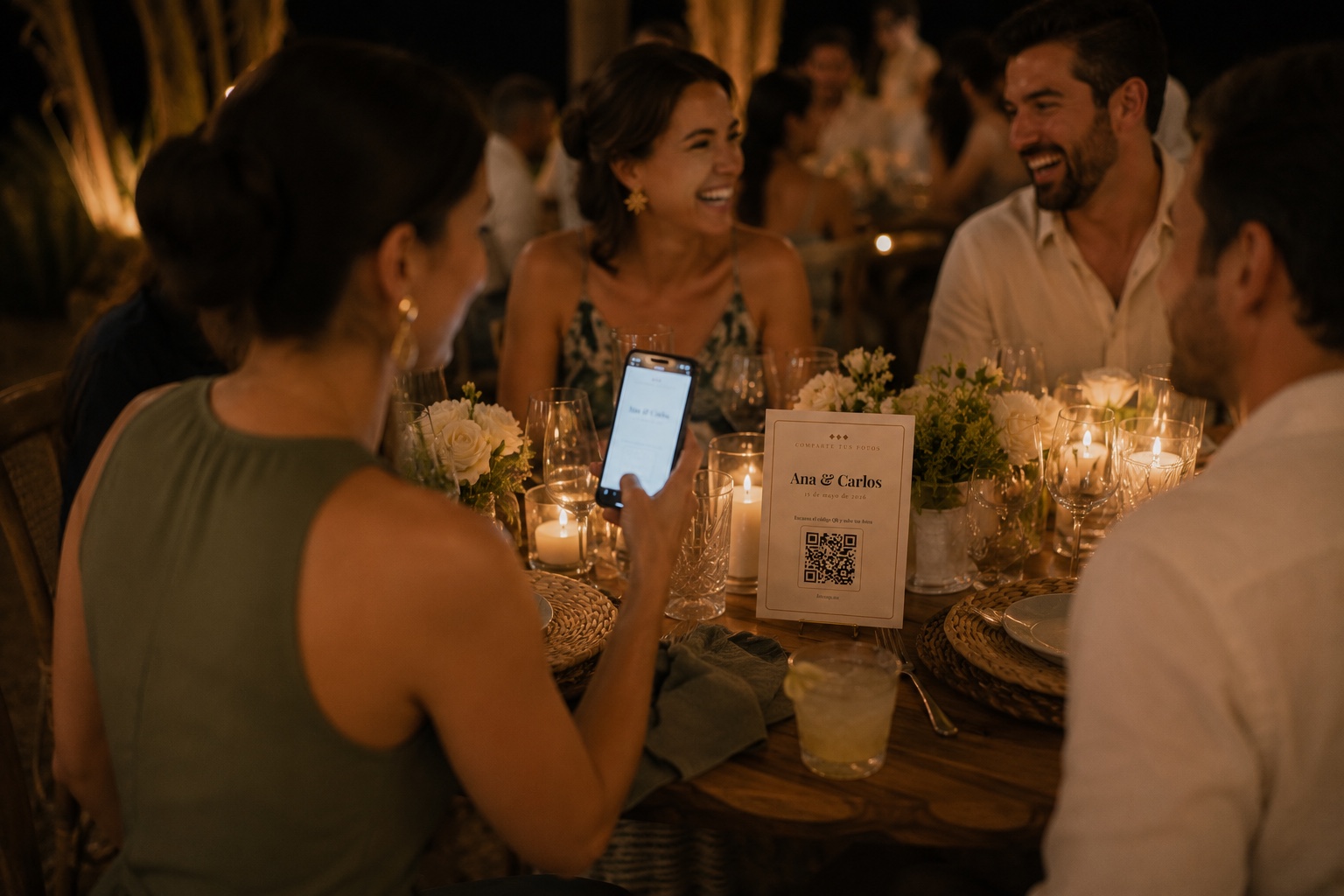
The only system that works across all those variables is one that runs entirely in the web browser. No app. No account. A QR code that opens a page in whatever browser is already on the phone.
How to set it up for a Riviera Maya wedding
Create your event in FotoZap, download your QR code, and print it on table cards. The upload page works on iOS Safari and Android Chrome in any country. It handles HEIC conversion for iPhone photos automatically. Everything stores at original quality.
For an international wedding, keep the QR link active for at least a week after the event. Guests from far away often don't settle back into their routines until a few days after they return home. A message in the group chat on day two, with the upload link, reaches guests when they're actually sitting still and going through their photos from the trip.
Tulum, Playa del Carmen, Akumal, Holbox. Wherever your venue sits in the Riviera Maya, WiFi availability varies. Resort venues usually have solid connectivity in event spaces. Outdoor cenote venues or boutique hotels may not. When WiFi is limited, remind guests to upload from the hotel or airport the next day.
What the photographer can't cover
Your Riviera Maya photographer is one person at one event covering multiple simultaneous moments. The kids swimming before the reception starts. The group of college friends who found a quiet corner with a cenote view. The specific table that inexplicably had more fun than every other table all night.
None of that is in the professional album. It exists as Riviera Maya wedding guest photos on someone's iPhone, probably right next to a photo of the beach from earlier that afternoon.
After the wedding
You download the ZIP. You have the full picture: professional shots plus documentation of what actually happened. For an international destination wedding with guests who flew in from multiple continents, those guest photos are some of the only evidence of the conversations and moments that made the week worth planning.
Guests return to their lives quickly after a destination wedding. The photos they have are the ones they took. If you want them, set up a system that makes sharing effortless, activate it the moment people sit down at their tables, and send a reminder the morning they check out.